
Most React memoization is premature. useMemo on every derived value, useCallback on every function, React.memo on every component — this pattern adds comparison overhead and memory cost on every render, often with zero skipped renders to show for it. The component that receives an inline object literal as a prop will re-render regardless of how much memoization is layered inside it.
The rule that should govern all of this: profile first, memoize second. Everything in this post builds on that.
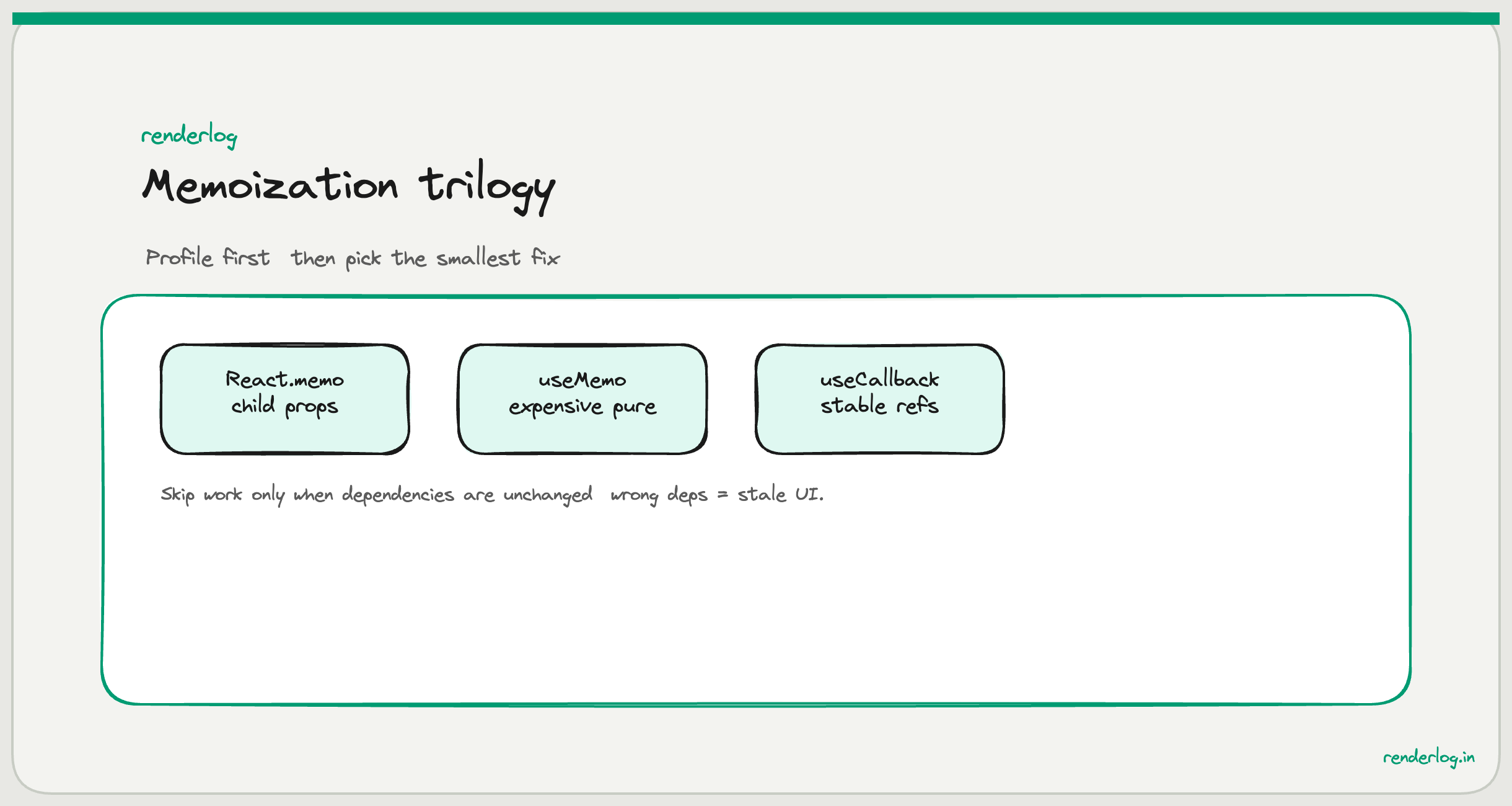
What React.memo actually does
React.memo is a higher-order component that wraps a functional component and performs a shallow prop comparison before deciding whether to re-render. If the parent re-renders and passes the same props (by reference, for objects; by value, for primitives), React skips the child’s render entirely.
The key word is shallow. React.memo compares each prop using Object.is. For primitives (string, number, boolean, null, undefined), that’s value equality. For objects, arrays, and functions, it’s reference equality meaning two objects with identical contents but created separately are considered different.
const Button = React.memo(function Button({ onClick, label }) {
  console.log("Button rendered");
  return <button onClick={onClick}>{label}</button>;
});

function Parent() {
  const [count, setCount] = useState(0);

  // This breaks memo  new object reference every render
  const style = { color: "red" };

  // This is fine  primitive string, same reference
  return <Button onClick={() => setCount(c => c + 1)} label="Click me" style={style} />;
}
In the example above, Button will re-render on every Parent render regardless of React.memo because style and onClick are new references every time. The memo check runs, fails, and React renders anyway but now you’ve paid the cost of the comparison on top of the render.
React.memo adds overhead: it runs a comparison function before every potential render. For components that almost always receive the same props, this is worth it. For components that always receive new props (inline objects, arrow functions), you’re paying a tax with no rebate.
The object identity trap
This is the most common way React.memo gets undermined. I call it the object identity trap: passing non-primitive values that look stable but are recreated every render.
// Every render of Parent creates a new config object
// React.memo on Child is completely useless here
function Parent() {
  return (
    <Child
      config={{ theme: "dark", size: "lg" }}
      onSelect={(id) => handleSelect(id)}
    />
  );
}
Both config and onSelect are new references on every render. React.memo compares them with Object.is, finds them different (because different object references), and renders Child anyway.
The fix is to hoist constants out of the render function or use useMemo/useCallback to stabilize them but only if Child is actually expensive enough to justify that.
useMemo: what it memoizes and when it’s worth it
useMemo caches the result of a computation between renders. It re-runs only when one of the dependencies in its array changes.
const sortedItems = useMemo(() => {
  return [...items].sort((a, b) => a.name.localeCompare(b.name));
}, [items]);
The important nuance: useMemo does not make the computation free. It still runs on the first render, stores the result in memory, and on every subsequent render it runs the dependency comparison. If your computation is cheap (a few arithmetic operations, a simple filter), useMemo probably costs more than it saves.
Dan Abramov has said publicly that useMemo is worth reaching for when:
- The computation is genuinely expensive (sorting/filtering large arrays, complex derived data)
- The same expensive value is used multiple times in a render
- You need referential stability for a child’s
React.memoto hold
For everything else, you’re trading readability for no measurable gain.
The stale closure problem with useMemo is subtle. If your memo function closes over a value that changes but you forget to include it in the dependency array, you get a stale closure the cached value is computed with outdated data and never updates.
// Bug: userId changes but useMemo never re-runs
const userLabel = useMemo(() => {
  return `${firstName} ${lastName} (${userId})`;
}, [firstName, lastName]); // userId is missing!
ESLint’s exhaustive-deps rule from eslint-plugin-react-hooks catches this. Always run it. If you find yourself silencing it with // eslint-disable-line, that’s a signal you’re either misusing the API or need to restructure your code.
useCallback: why it exists
useCallback is essentially useMemo for functions. It caches a function reference between renders so that the function identity stays stable as long as its dependencies don’t change.
const handleSelect = useCallback((id) => {
  setSelectedId(id);
  onSelectionChange(id);
}, [onSelectionChange]);
useCallback exists for one specific purpose: passing stable callback references to memoized children. Without it, even if you’ve wrapped a child in React.memo, any callback you pass from the parent will be a new function reference on every render, breaking the memo boundary.
// Without useCallback  Button re-renders every time Parent re-renders
function Parent() {
  const [count, setCount] = useState(0);
  const handleClick = () => setCount(c => c + 1); // new ref every render

  return <MemoizedButton onClick={handleClick} />;
}

// With useCallback  Button only re-renders if nothing in [] changed
function Parent() {
  const [count, setCount] = useState(0);
  const handleClick = useCallback(() => setCount(c => c + 1), []);

  return <MemoizedButton onClick={handleClick} />;
}
The pattern that actually matters: a list of n items, each with a callback. Without useCallback, every onDelete, onEdit, onToggle prop passed into a React.memo’d list item will break the memo on every render of the list parent. With useCallback, those callbacks are stable and the list items only re-render when their own data changes.
When memo hurts
| Scenario | Why memo hurts |
|---|---|
| Component always receives new props (inline objects, arrow functions) | Comparison cost with zero skipped renders |
| Component is cheap to render | Comparison overhead exceeds the render cost |
| Component has complex props that are expensive to compare | Custom comparator cost exceeds render cost |
| Over-memoized codebase with many stable-but-pointless memos | Higher memory usage, harder to read, false sense of security |
| Memoized component reads from context | Context changes still trigger re-renders; memo doesn’t help |
The false sense of security is the most dangerous. I’ve seen codebases where every component is wrapped in React.memo and the team is confused why it still re-renders constantly. They’ve done the work, why isn’t it faster? Because React.memo only prevents re-renders when props don’t change it has no effect on context subscription re-renders, internal state changes, or memo-breaking patterns upstream.
Custom comparison in React.memo
React.memo accepts a second argument: a custom comparison function. It receives prevProps and nextProps and returns true if the component should NOT re-render.
const Chart = React.memo(
  function Chart({ data, width, height }) {
    // expensive chart rendering
  },
  (prevProps, nextProps) => {
    // Only re-render if data length changes or dimensions change
    return (
      prevProps.data.length === nextProps.data.length &&
      prevProps.width === nextProps.width &&
      prevProps.height === nextProps.height
    );
  }
);
Use this sparingly and carefully. A custom comparator that incorrectly returns true (says “same” when actually different) means your component shows stale UI which is worse than a re-render. The comparator itself has a cost, and getting it wrong is a subtle bug category. I’d reach for custom comparison only when the default shallow comparison is genuinely too broad (large data arrays where you only care about length, for example) and the component is expensive enough to justify the risk.
Profiling first: using React DevTools Profiler
Before you add any memoization, open React DevTools and use the Profiler tab. Record an interaction; then look at what actually re-rendered and why.
The Profiler shows you:
- Which components rendered during a commit
- Why they rendered (parent re-rendered, props changed, hooks changed, context changed)
- How long each render took in milliseconds
// What the Profiler tells you
ProductCard rendered because: "Parent component rendered"
ProductCard render time: 0.3ms
If a component renders in 0.3ms and receives stable props 90% of the time, React.memo might be worth it the comparison is cheaper than 0.3ms and you skip most renders. If it renders in 0.1ms and always receives new props, skip the memo entirely.
The key insight is: the Profiler gives you data. Intuition gives you hunches. Performance optimization based on hunches is usually wasted effort or, worse, code that’s harder to maintain with no measurable benefit.
When memo genuinely helps
| Scenario | Why it helps |
|---|---|
| Heavy computation components (charts, data tables, visualizations) | Skipping a 50ms render is worth the 0.1ms comparison |
| List items with stable per-item props | n items × skipped renders compounds significantly |
| Components deep in a tree that rarely change | Prevents cascading re-renders through stable subtrees |
| Components with many event handlers passed as props | Combined with useCallback, stable references hold the memo |
| Sidebar, nav, header components that never depend on page state | One-time stabilization, stays stable for the app lifetime |
The common thread: the render cost is meaningfully higher than the comparison cost, and props are stable often enough to make the comparison worth it.
React Compiler: the future of memoization
React Compiler (previously known as React Forget): is Meta’s answer to manual memoization. It’s an ahead-of-time compiler that automatically analyzes your component code and inserts the equivalent of useMemo and useCallback where it determines they’re needed.
The compiler tracks which values are used in which renders and generates stable references automatically. If it works correctly for your codebase, you should be able to delete most of your manual useMemo and useCallback calls.
As of early 2026, the React Compiler is in active production use at Meta and available as an opt-in Babel/Vite plugin. The React team’s recommendation is to write idiomatic React code (pure functions, no direct mutation) and let the compiler handle memoization. Manual useMemo and useCallback may increasingly become signals of either legacy code or edge cases the compiler can’t handle.
If you’re on a greenfield project today, I’d pay attention to the compiler’s progress before investing heavily in manual memo patterns. The discipline of profiling first remains unchanged but the implementation work may shift substantially.
Summary checklist
- Profile before you memoize. Open the React Profiler, record a real interaction, look at what rendered and why.
React.memoonly helps when props are stable. Inline objects and arrow functions break it.useMemois for expensive computations and reference stability, not for every derived value.useCallback’s purpose is stable function references for memoized children. Without the memoized child, it’s pointless.- Custom comparators are powerful and dangerous stale UI from a wrong
truereturn is worse than a re-render. - The React Compiler may automate most of this soon. Write clean, pure components now.